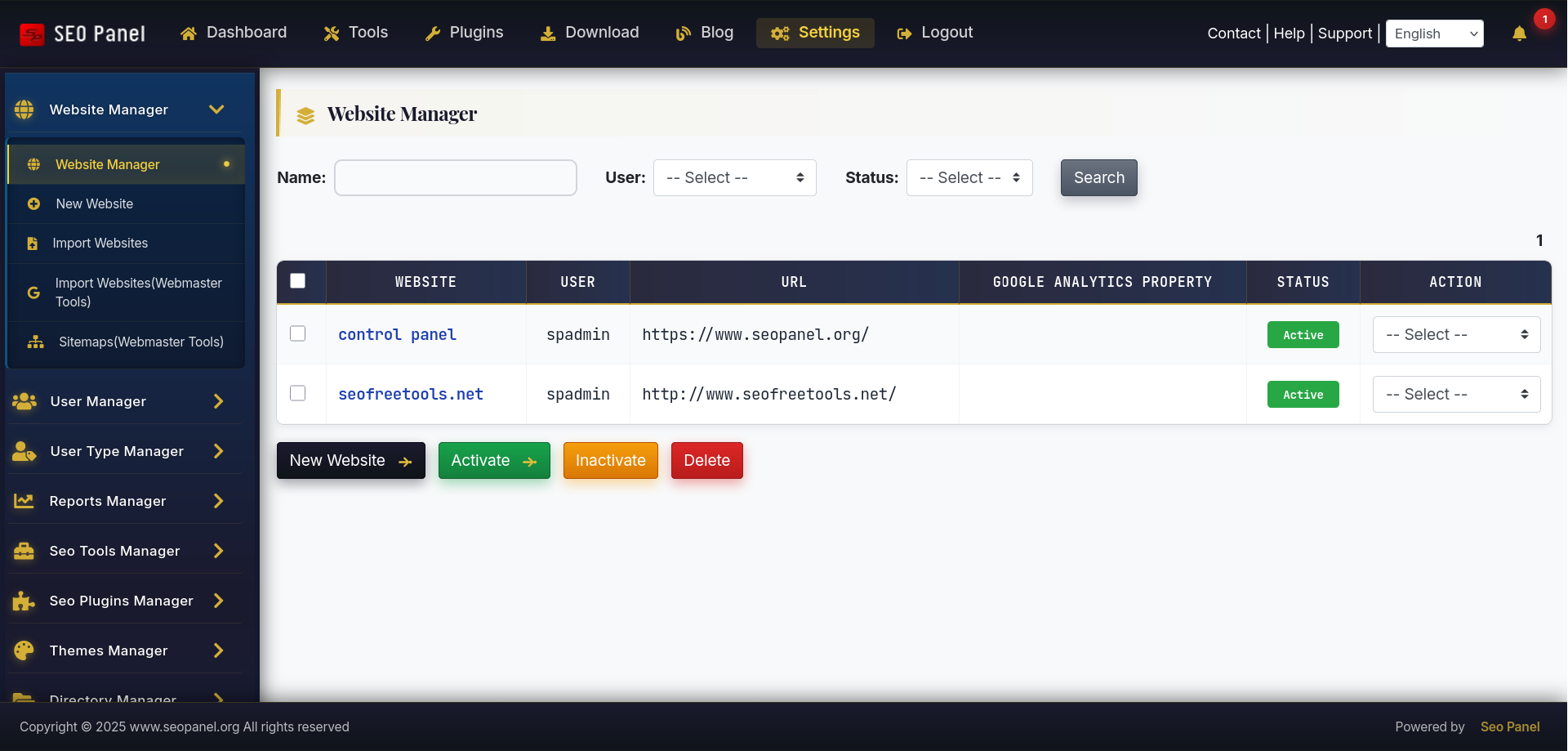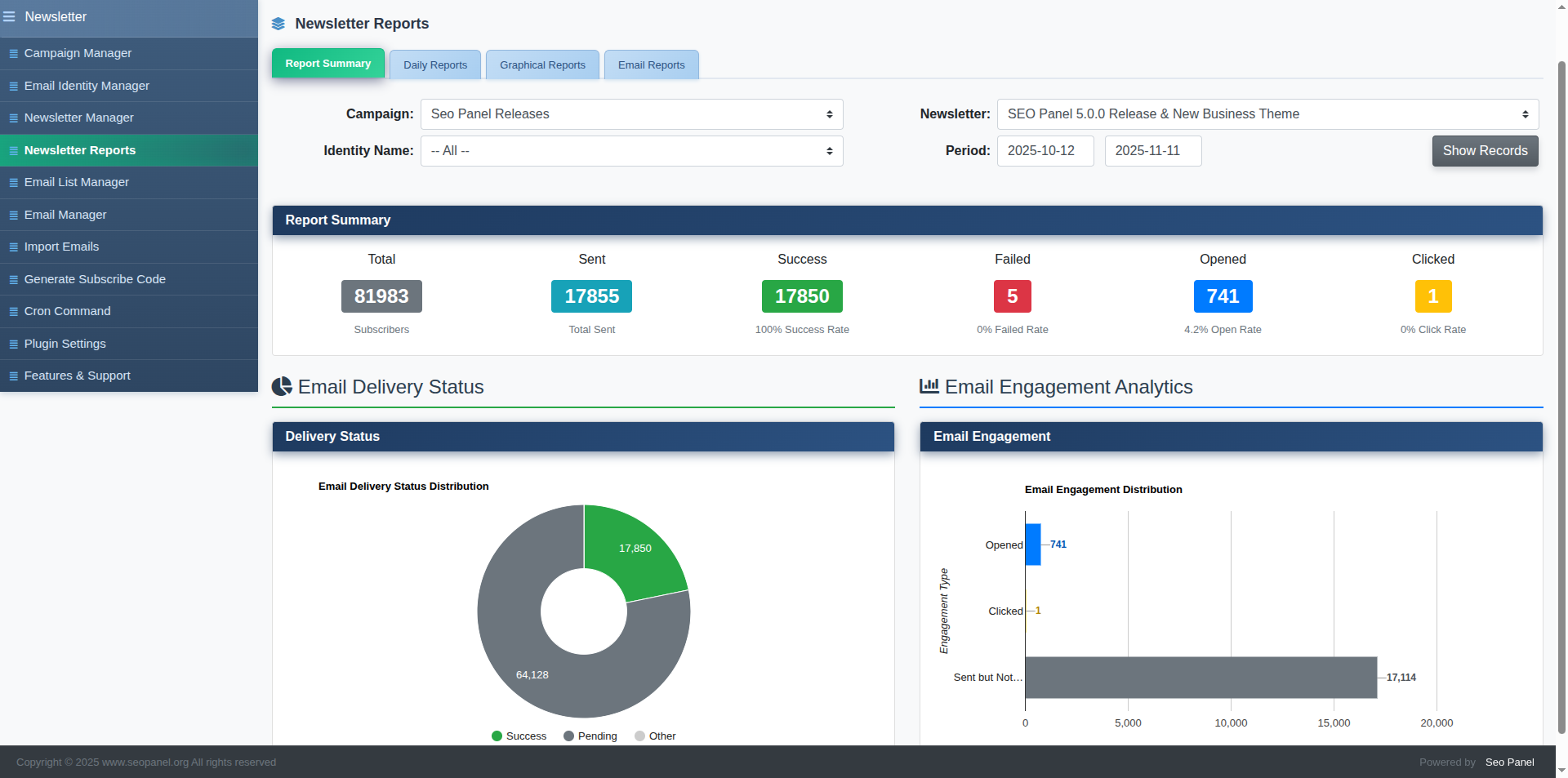
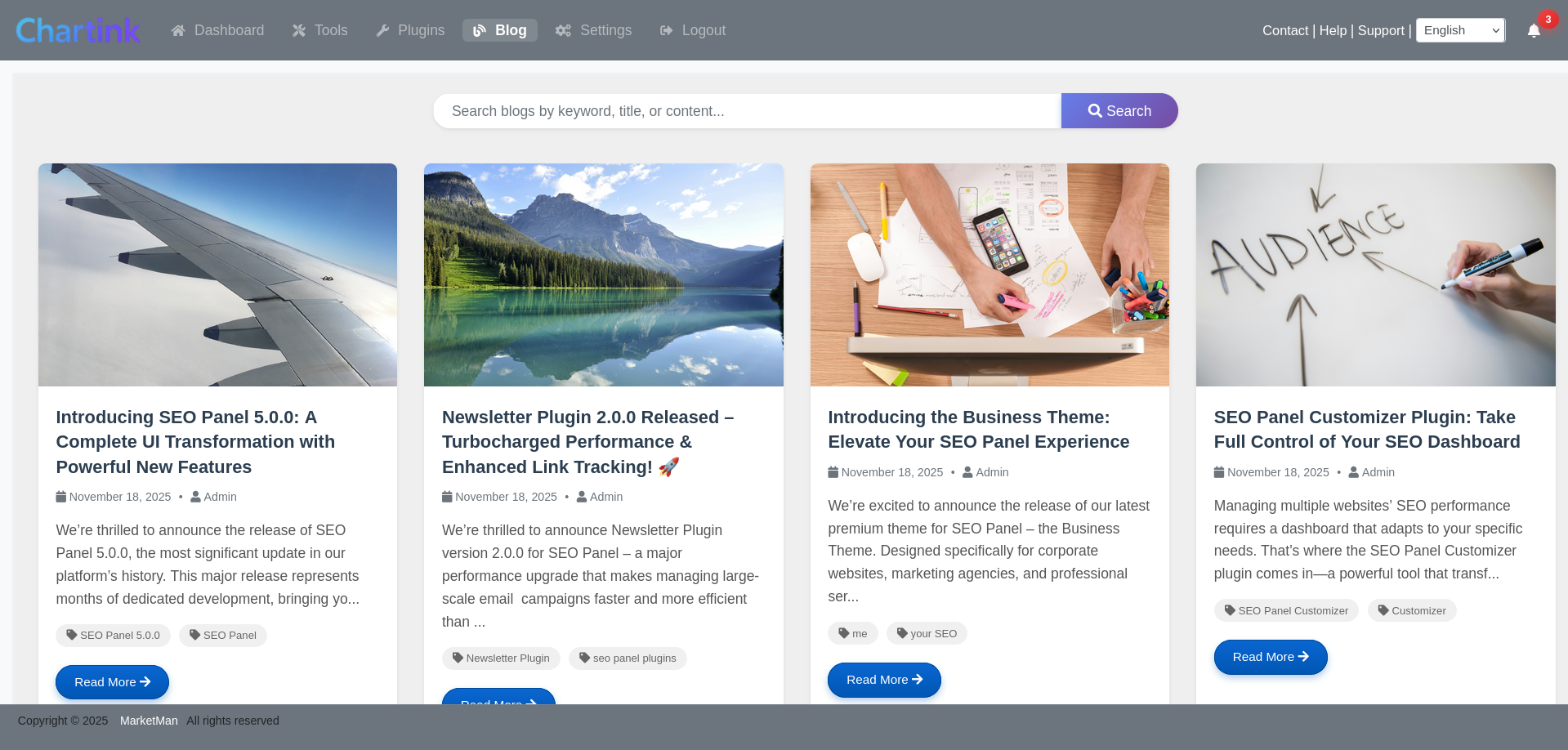
Managing multiple websites’ SEO performance requires a dashboard that adapts to your specific needs. That’s where the SEO Panel Customizer plugin comes in—a powerful tool that transforms your SEO Panel experience from a one-size-fits-all solution into a personalized command center.
🎯 What is the SEO Panel Customizer Plugin?
The SEO Panel Customizer is an official plugin for SEO Panel, the popular open-source SEO control panel. This plugin allows you to customize nearly every aspect of your SEO Panel interface, from layout and branding to feature visibility and widget placement.
Whether you’re a white-label agency wanting to brand the panel for clients, or a power user who wants to streamline your workflow by hiding unused features, the Customizer plugin gives you that flexibility.
✨ Key Features That Make a Difference
1. 🎨 Complete Branding Control
Replace the default SEO Panel branding with your own:
- Upload custom logos and favicons
- Change color schemes to match your brand identity
- Customize the dashboard title and footer text
- Add custom CSS for pixel-perfect design control
Perfect for agencies offering white-label SEO services to clients who want a seamless, branded experience.
2. 📊 Dashboard Layout Customization
Not everyone needs access to every feature. The Customizer lets you:
- Show or hide specific menu items
- Reorder dashboard widgets
- Create custom dashboard layouts for different user roles
- Toggle visibility of SEO tools based on your workflow
This means your team sees only the tools they need, reducing clutter and improving productivity.
3. 👥 Role-Based Customization
Different users have different needs. With role-based customization, you can:
- Create unique dashboard experiences for administrators, managers, and regular users
- Control which features are accessible to each user role
- Simplify the interface for clients while maintaining full control for your team
4. 🧩 Custom Widget Management
Take control of your dashboard widgets:
- Add custom widgets with your own HTML, JavaScript, or embedded content
- Integrate third-party analytics or monitoring tools
- Display custom reports, KPIs, or client-specific information
- Arrange widgets in the order that makes sense for your workflow
💼 Real-World Use Cases
🏢 For SEO Agencies
Create a fully branded SEO dashboard for each client. Hide backend complexity, showcase only relevant metrics, and add your agency logo and colors throughout. Your clients get a professional, branded experience that reinforces your value.
👨💼or In-House SEO Teams
Streamline your team’s workflow by creating role-specific dashboards. Content creators see keyword rankings and content audit tools, while technical SEOs focus on site auditor results and backlink profiles. Everyone gets exactly what they need, nothing more.
💻 For Freelancers
Build a professional-looking dashboard that impresses clients without the cost of expensive enterprise SEO tools. Customize the interface to highlight the metrics your clients care about most, making reporting sessions more effective.
⚙ How to Install the Customizer Plugin
Installing the SEO Panel Customizer plugin is straightforward:
- Log in to your SEO Panel admin dashboard
- Navigate to System → Plugins
- Find “Customizer” in the available plugins list
- Click Activate
- Access the customizer settings from System → Customizer Settings
If you’re using SEO Panel 5.0 or later, the plugin comes pre-installed and just needs to be activated.
🚀 Getting Started with Customization
Once activated, here’s how to make your first customizations:
Step 1: Update Your Branding
- Go to Customizer Settings → Branding
- Upload your logo (recommended size: 200×60 pixels)
- Add your favicon (16×16 or 32×32 pixels)
- Update the dashboard title and footer text
Step 2: Choose Your Color Scheme
- Navigate to Customizer Settings → Appearance
- Select primary and secondary brand colors
- Adjust accent colors for buttons and links
- Preview changes in real-time before saving
Step 3: Customize Your Layout
- Go to Customizer Settings → Layout
- Toggle visibility for menu items you don’t use
- Reorder menu items by drag-and-drop
- Configure dashboard widgets and their positions
💡 Pro Tips for Maximum Effectiveness
- Start Simple: Don’t customize everything at once. Start with branding, then gradually adjust layout and features based on actual usage patterns.
- Test with Different User Roles: Log in as different user types to ensure each role sees appropriate features.
- Keep Backup Settings: Before making major changes, document your current settings so you can revert if needed.
- Use Custom CSS Sparingly: While custom CSS gives unlimited control, use it judiciously to maintain upgrade compatibility.
- Gather User Feedback: If you’re managing a team, get input on which features they use most and customize accordingly.
✅ Compatibility and Requirements
The SEO Panel Customizer plugin works with:
- SEO Panel 4.8.0 and above
- All major themes (Classic, Modern, Bootstrap)
- PHP 7.2 or higher
- MySQL 5.6 or higher
The plugin is actively maintained and receives regular updates to support new SEO Panel versions.
🌟 Why Customization Matters
In today’s competitive SEO landscape, having powerful tools isn’t enough—you need tools that work the way you work. The SEO Panel Customizer plugin bridges the gap between generic software and personalized solutions.
Whether you’re building a brand, optimizing workflows, or creating client-specific experiences, the ability to customize your SEO dashboard isn’t just a nice-to-have—it’s a competitive advantage.
🎉 Conclusion
The SEO Panel Customizer plugin transforms an already powerful open-source SEO tool into a fully personalized platform that adapts to your exact needs. From white-label branding to workflow optimization, it gives you the flexibility to create the perfect SEO dashboard.
Best of all, it’s completely free and open-source, just like SEO Panel itself. There are no hidden costs, no premium tiers—just powerful customization at your fingertips.
Ready to take control of your SEO dashboard? Install the Customizer plugin today and discover how a personalized interface can streamline your SEO workflow and impress your clients.
Have you used the SEO Panel Customizer plugin? Share your customization tips and experiences in the comments below!