MCP Access
Overview
MCP Access, new in Seo Panel 7.0.0, lets your own AI agent - Claude Desktop or any other Model Context Protocol client - query your Seo Panel data directly instead of you copying numbers into a chat by hand. It’s entirely self-hosted: nothing leaves your server except the one response your agent actually asked for, and only to a client holding your own personal access token.
This is separate from the general API (Admin Panel => API Manager, the SP_API_KEY/API_SECRET pair - see API) - MCP Access uses its own per-user tokens, scoped to a fixed set of read-mostly tools rather than the full API surface.
Generate a token
Go to Admin Panel => My Account => MCP Access (also linked from the AI Visibility Summary page’s Discover More panel, and from Seo Tools => AI Visibility => MCP Access - same page either way)
Give the token a label (so you can tell tokens apart later), pick an expiry - Never, 30 days, 90 days or 1 year - and click Generate new token
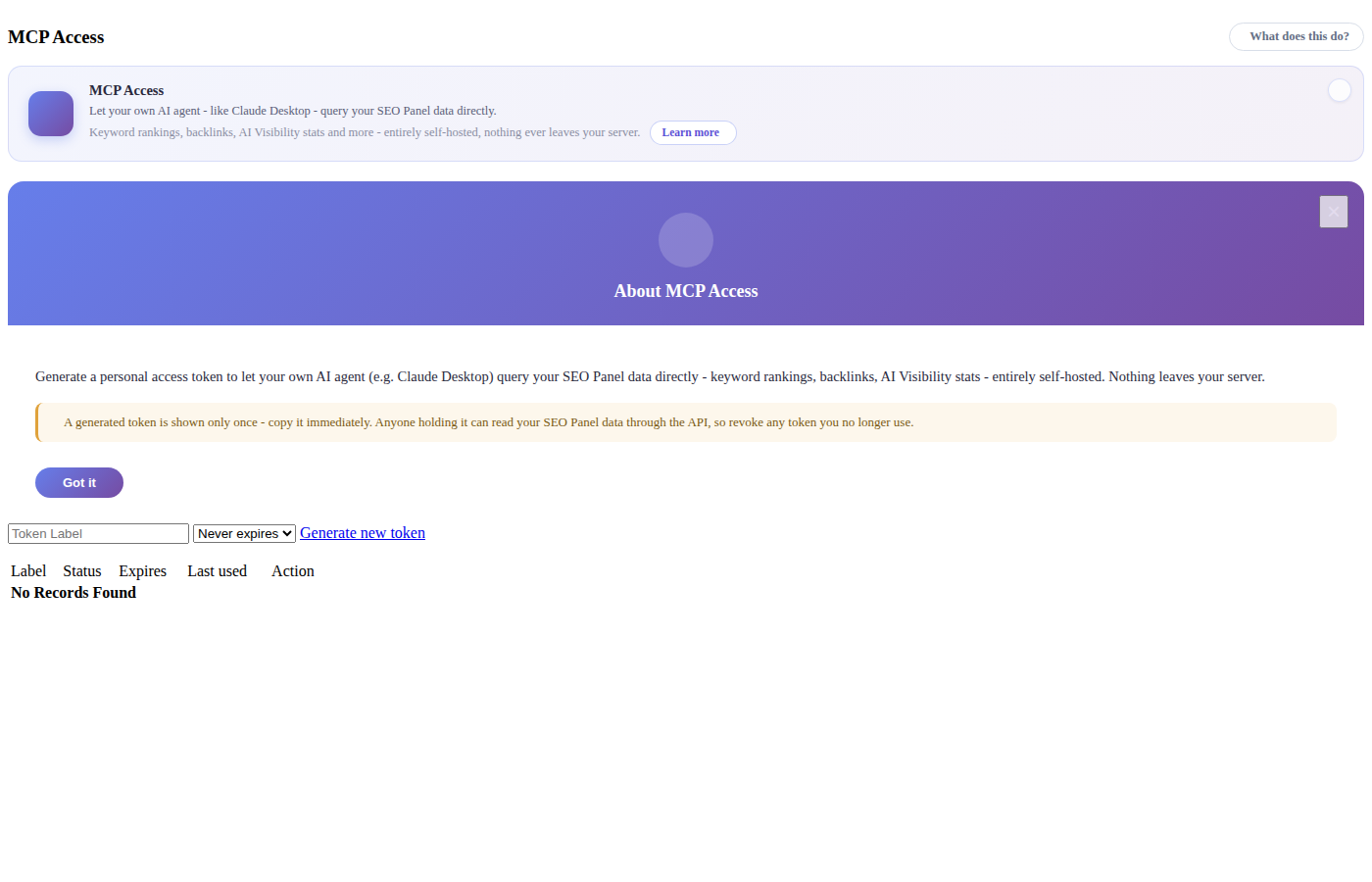
The token is shown only once - copy it immediately. Anyone holding it can read your Seo Panel data through the API, so treat it like a password
Revoke any token from the list below the moment you no longer use it; a revoked or expired token stops working immediately
Connect an AI agent
Point your MCP client at this install’s MCP endpoint (/api/mcp.php) with the token as a Bearer credential, following whatever connection method your client uses for a remote MCP server. The connection is stateless JSON-RPC over HTTPS - no cookies, no session, just the token on every request.
What your agent can do
A connected agent is limited to seven tools, every one scoped to websites your account manages:
list_websites - list the websites this account manages
get_keyword_rankings - current keyword rankings for one website
get_backlink_summary - latest backlink summary for one website
get_ai_visibility_summary - AI referral and AI bot crawl totals (last 30 days) for one website
get_ai_overview_summary - Google AI Overview presence/citation counts across a website’s tracked keywords
toggle_robots_rule - block or allow one AI platform in a website’s robots.txt (requires an admin-configured, writable document root - see AI Setup)
regenerate_llms_txt - regenerate a website’s llms.txt from data Seo Panel already has (requires the same writable document root; refuses to overwrite a hand-authored llms.txt unless told to confirm)
Requests are rate-limited (60 per minute) the same way the rest of AI Visibility is, so a runaway agent can’t hammer the server.