Business Theme
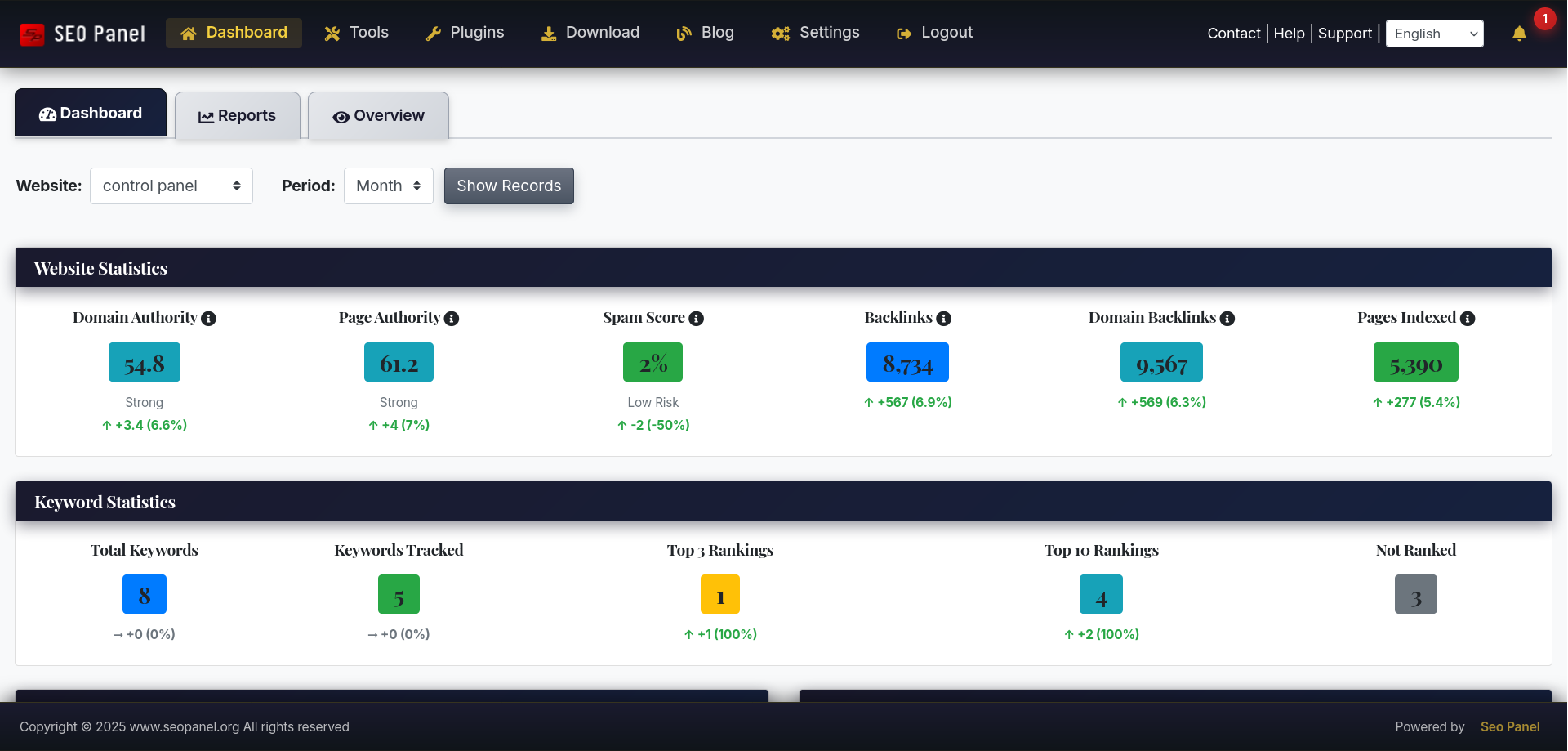
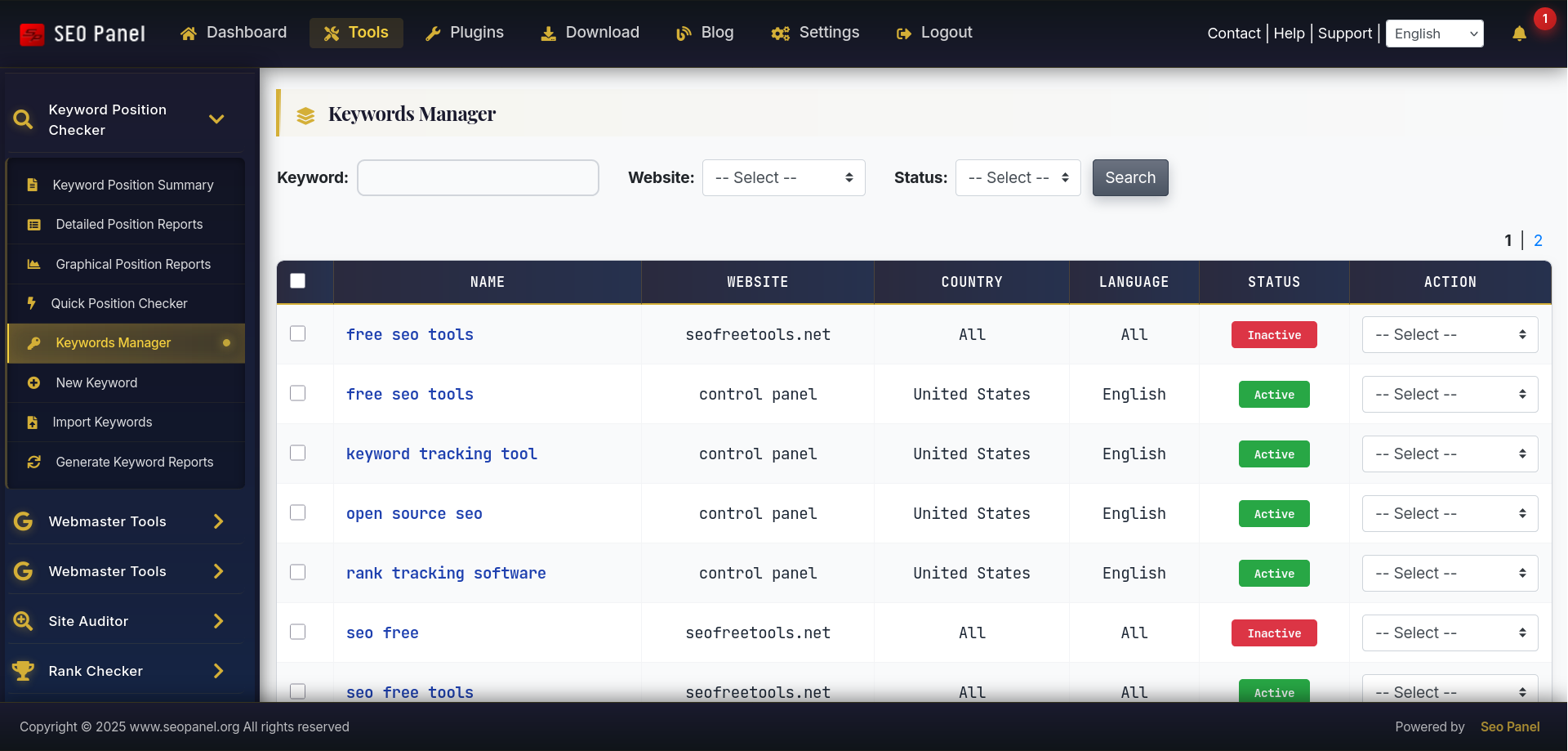
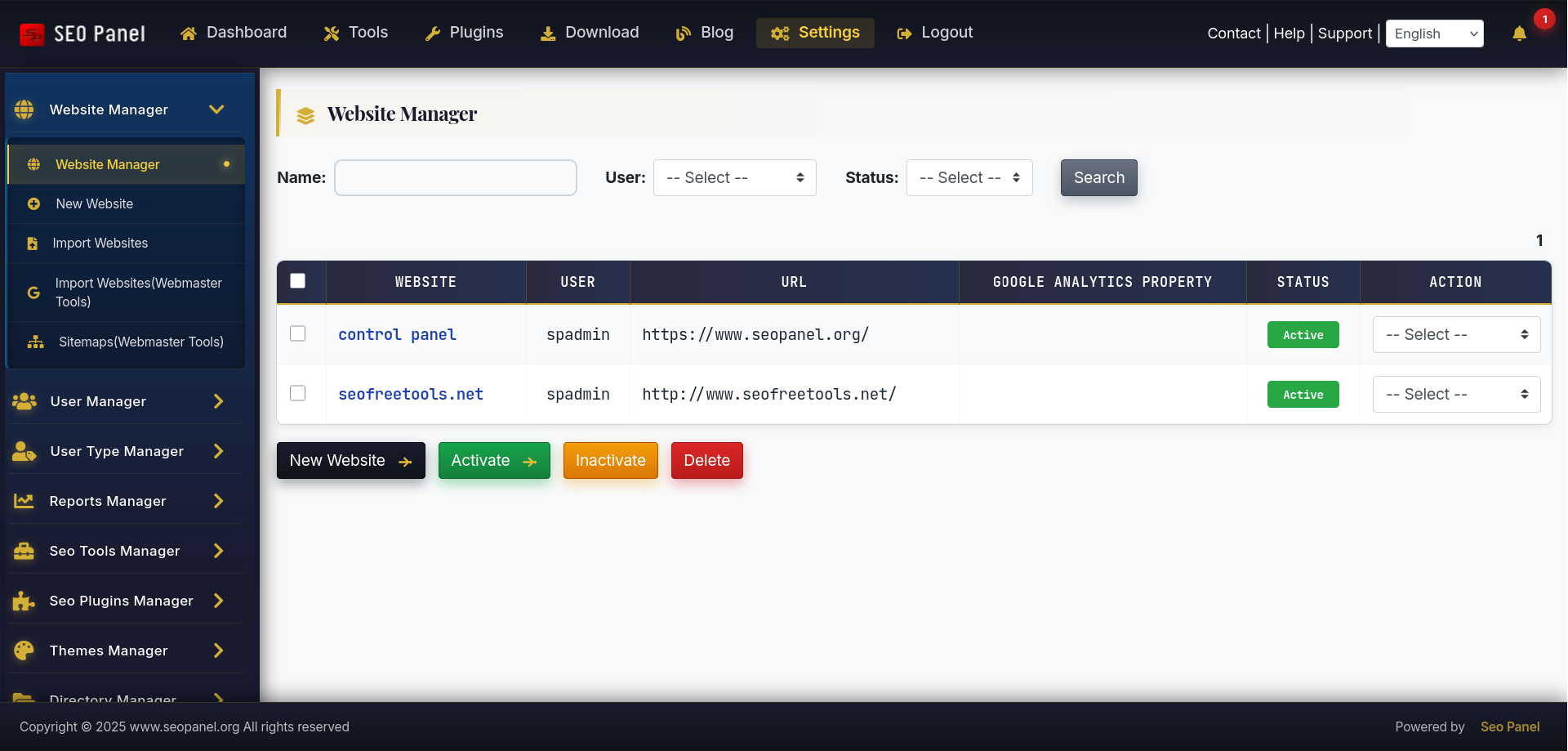
Business Theme transforms SEO Panel into a polished, enterprise-grade interface with a deep navy and gold colour scheme. It ships with 10 original SVG graphics, 3 custom CSS animations, 25+ gradient combinations, and enhanced styling across every UI component — from tables and buttons to alerts, forms and section headers.
Author: SEO Panel Team
Price: Premium (one-time purchase)
Colour scheme: Dark navy (#1a1a2e) primary, classic gold (#d4af37) accent, white content areas.
Best for: Corporate websites, marketing agencies, professional services, B2B applications, and anyone who wants a premium interface distinct from the default Classic theme.
Key Features
Custom SVG Graphics Package (10 files)
- Professional Logo — shield-style design with navy gradient, gold “S” lettermark and “BUSINESS” badge
- Hero Pattern Background — geometric grid with dot matrix, decorative hexagons and diagonal gold accent lines
- Animated Button Icons — arrow with gold gradient that slides right on hover
- Dashboard Menu Icon — 4-grid layout with gold gradient
- Analytics Menu Icon — bar chart with trend line overlay
- Settings Menu Icon — professional gear with 8-spoke gold gradient
- Corner Accent — triangular gold gradient for card corners
- Card Accent Bar — navy-to-gold-to-navy horizontal gradient stripe
- Success Badge — green circular badge with white checkmark for success alerts
- Error Badge — red circular badge with white X for error alerts
Enhanced UI Components
- Buttons — animated arrow icons that slide on hover, stronger drop shadows
- Tables — gold top border accent, gold left border appears on row hover
- Section Headers — gold left border with gradient background
- Alerts — custom badge icons (success/error), enhanced left padding
- Forms — gold focus glow animation on all input fields
- Progress Bars — infinite shimmer animation
- Cards — subtle corner decorations and gradient accent bars
- Pagination — card-style with gold hover states
- Info Boxes — enhanced borders, depth shadows and bottom accent
Animations (3 custom keyframes)
slideArrow— button arrow slides right on hovershimmer— progress bar sweep effectglowPulse— gold glow on focused form elements
Accessibility
- WCAG AA compliant colour contrast throughout
- High contrast focus states for keyboard navigation
- Works on all modern browsers
Responsive Design
- Fully responsive layout optimised for all screen sizes
- Lightweight SVGs (1–3 KB each) for fast loading
Theme Statistics
How to Install
- Purchase and download the Business Theme zip from seopanel.org
- Log in to SEO Panel and go to Admin Panel → Themes Manager
- Click Install New Theme
- Upload the downloaded zip file
- Once installed, click Activate to apply the theme
To upgrade an existing installation to a newer version, download the latest zip and select Upgrade from the theme’s action dropdown in Themes Manager.
Note
If you use the SEO Panel Customizer plugin to set a custom logo URL, the Business Theme logo will be overridden by your custom logo, which takes precedence.